

House lights down
Make room for movie night.
Your Stremio films and shows, at home on the big screen. Pick something, press Play, settle in.
Get Alder for TVFree · Android TV, Google TV, Fire TV
Tonight
From the sofa
to the film, quickly.
-
01
Find something good
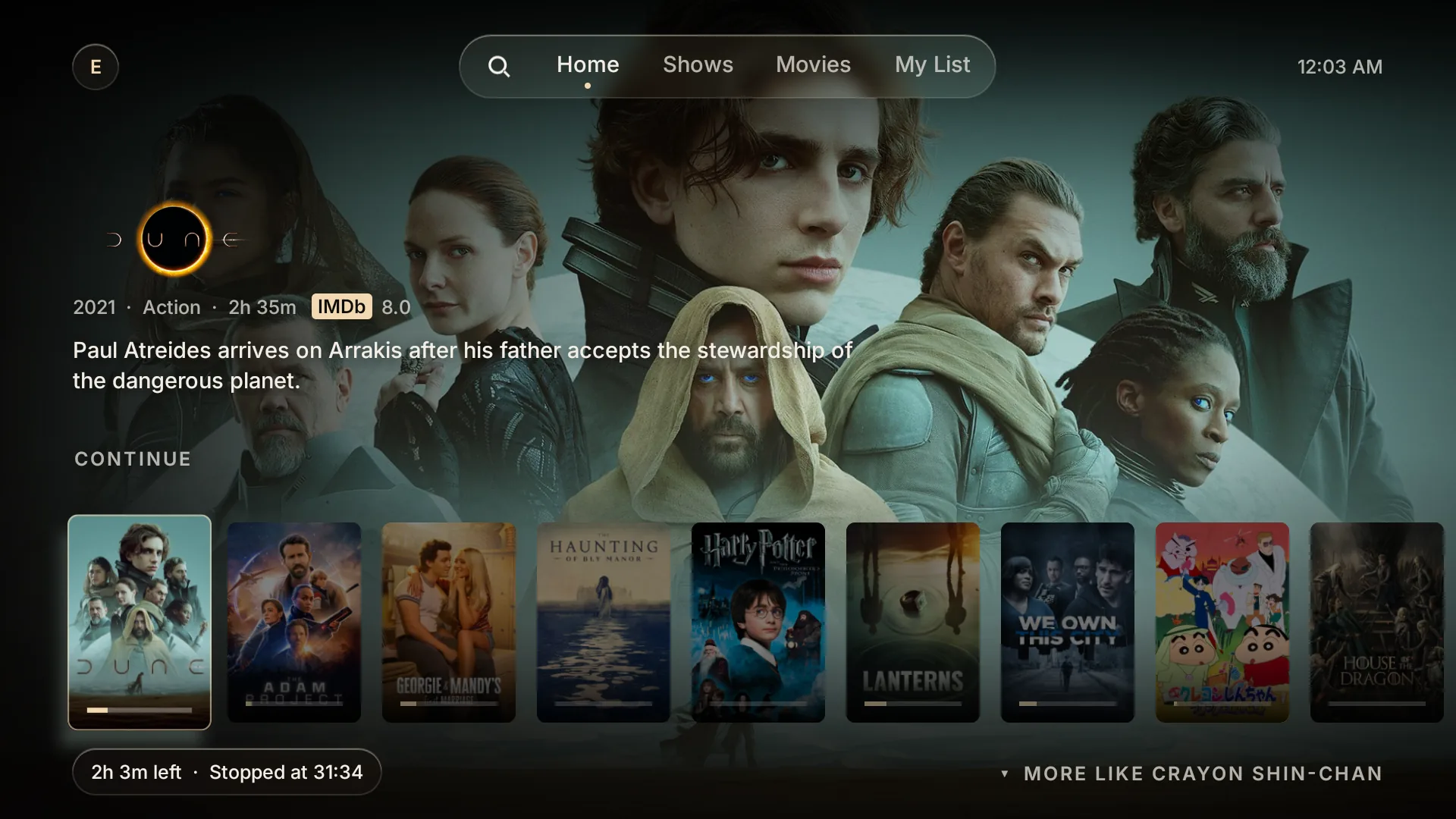
Home shows one film at a time, full screen, with what you were watching right underneath.
-
02
Press Play
Alder picks a source your TV can play and starts it. If a link fails, it tries the next one from the same moment.

-
03
Choose, if you want to
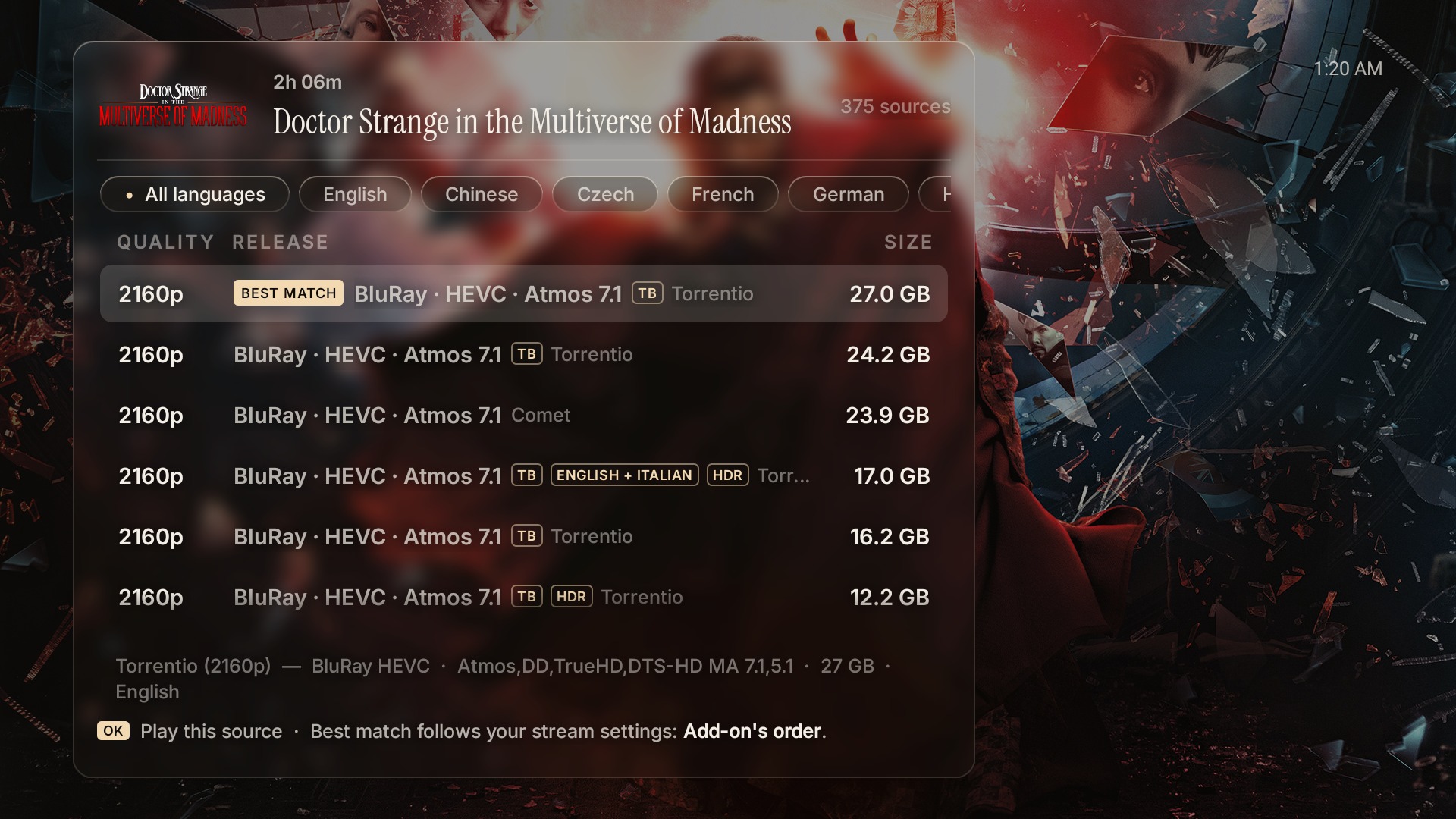
Hold OK to see every source, with the best match on top and its quality and size beside it.
-
04
Your sound, your subtitles
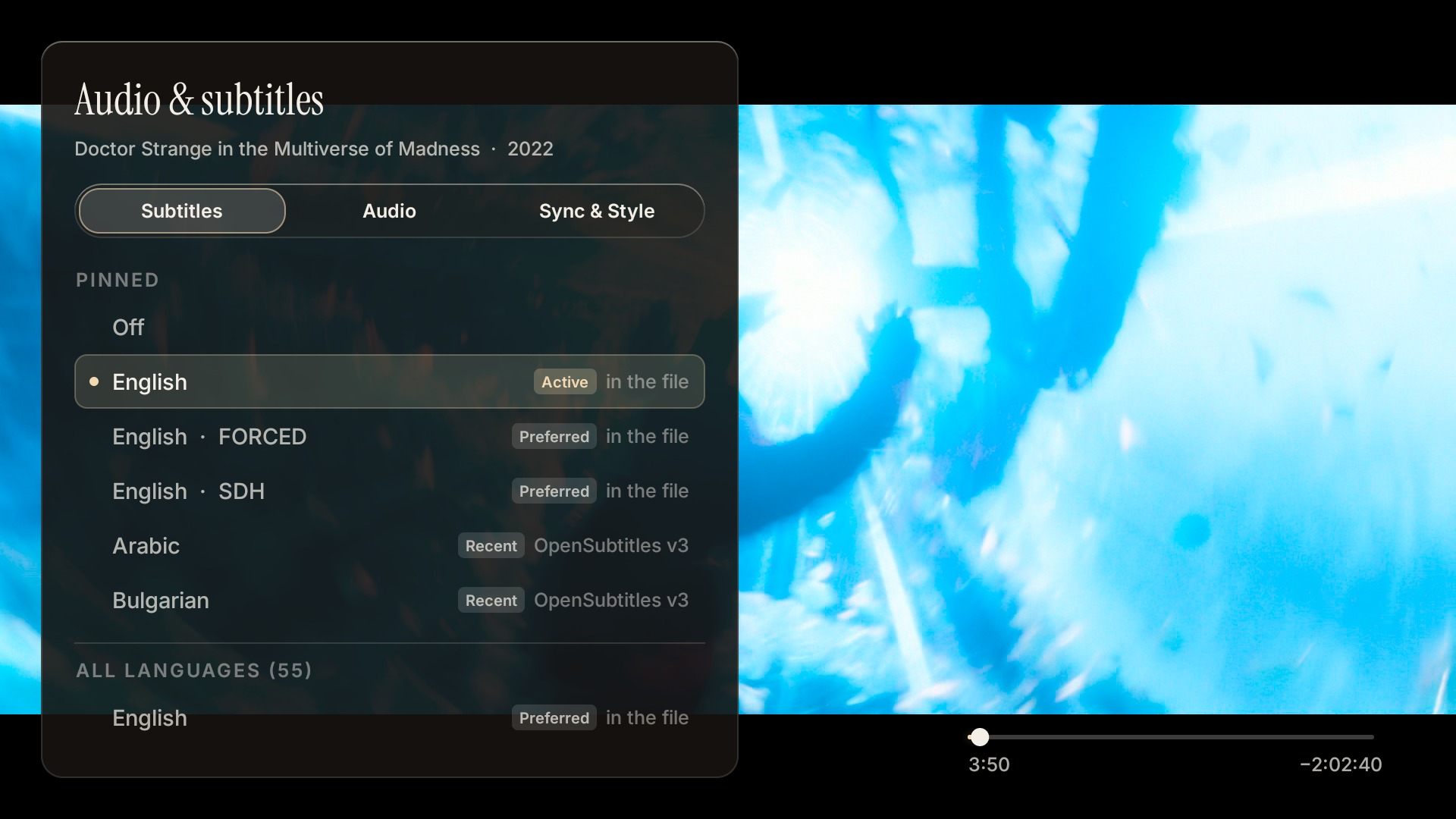
Change audio or subtitles mid-film without losing your place. Then the controls step back.
A seat for everyone
Who's here
tonight?
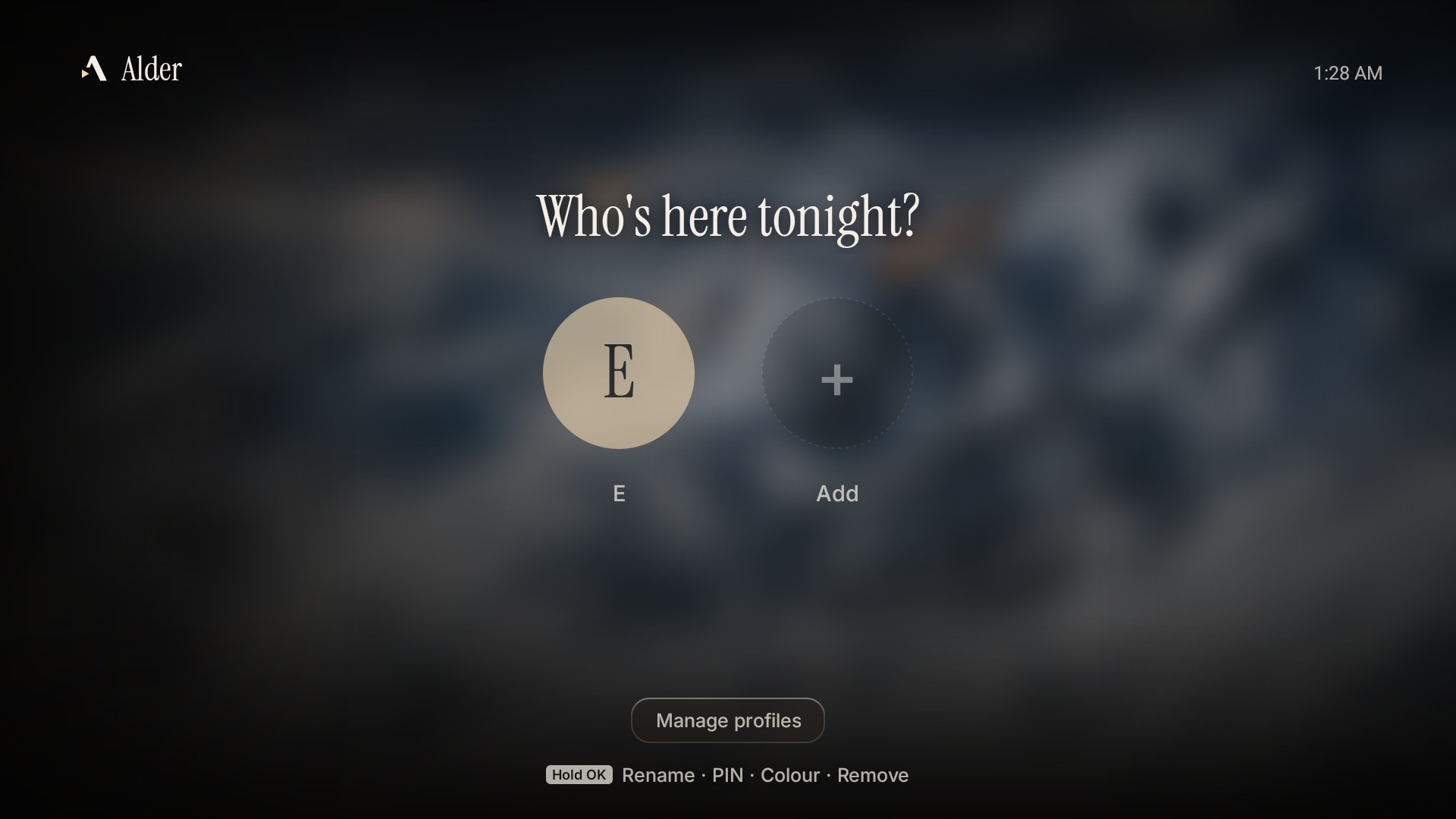
Each person gets a profile with their own Stremio account, watch history, and recommendations. Add a PIN when a profile needs one.
Up to five profiles. Library and progress stay in sync with Stremio.
Every room
Starting with
the big screen.
Alder is made for the TV first. Other screens in the house may follow.
-
TV
Android TV, Google TV, Fire TV
Available now -
Phone
Android
Not yet -
Computer
Mac
Not yet
- 01
Set up Stremio
Sign in on your phone or computer and install your debrid stream add-ons.
- 02
Install Alder
Download Alder.apk from the latest release and install it on your TV.
- 03
Sign in on your TV
Open Alder and enter the code on screen in Stremio.
Needs Android 6.0 or newer, a Stremio account with debrid stream add-ons, and a way to install an APK.
Read the setup guide ↗